[xamota_unzipper]
How to Use the File Unzipper
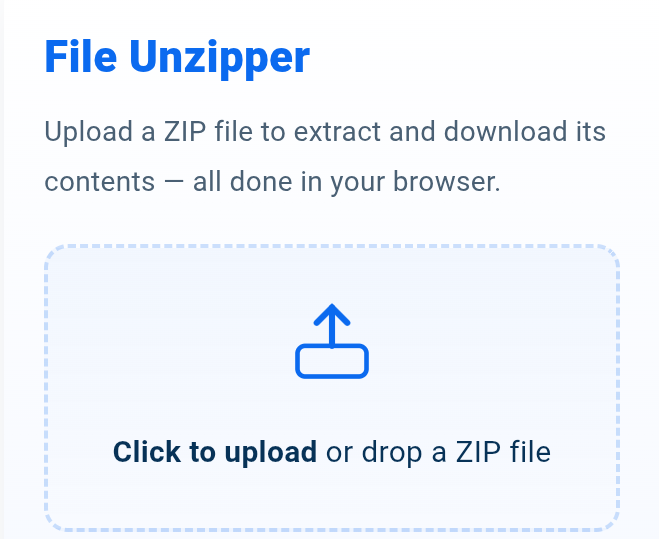
This tool allows you to safely extract the contents of any .zip file directly in your browser.
Nothing is uploaded to any server — everything happens privately on your device.
Instructions
- Click the upload box or drag a .zip file into the panel.
- The tool will automatically read and extract all files inside the ZIP.
- Each extracted file will appear in a list with a Download button.
- To save all files at once, click “Download All Files” — your browser will download them individually.
- Click Clear to reset the tool and upload another ZIP file.
How It Works
The unzipper uses JSZip, a powerful browser-based library, to open and extract ZIP archives
entirely on your device. No file ever leaves your computer or phone.
- ✔ 100% client-side processing
- ✔ No uploads — your files stay private
- ✔ Fast extraction done locally in memory
- ✔ Works on mobile and desktop
- ✔ Downloads each file directly from your browser
This ensures full privacy, maximum speed, and a completely secure experience while extracting ZIP files.
Related keywords:
file unzipper online, extract zip files, unzip files free,
open zip archive online, file extractor tool, unzip folder online,
free unzip utility
Discover More Tools
[stylish_pages]