[xamota_find_word]
How to Use the Find & Replace Word Tool
1. Enter Text:
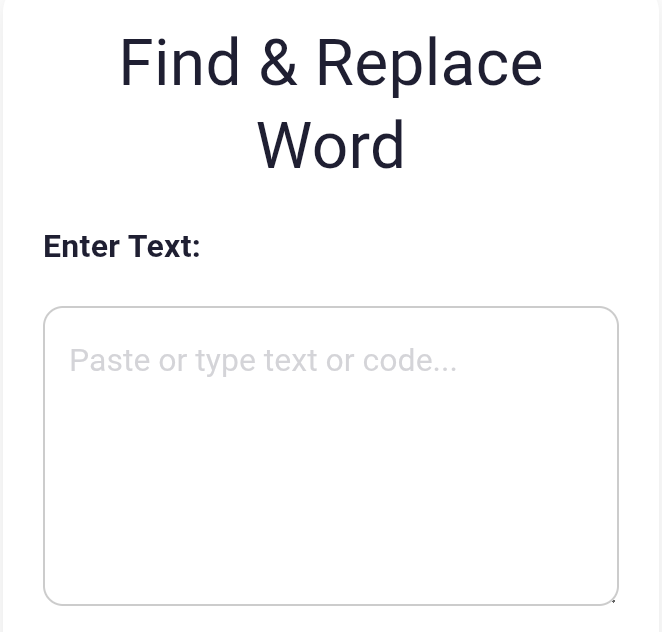
Paste or type any text, paragraph, or code into the main text box. Your content will stay safe and will not run or execute — the tool shows everything as plain text.
2. Type the Word to Find:
Enter the exact word or phrase you want to search for. The tool will automatically highlight all matches.
3. Replace Word (Optional):
If you want to replace the word, type the new word in the “Replace With” box. Leave it empty if you only want to search.
4. Choose Highlight Color:
Select any highlight color you want. All matched words will appear in this color.
5. Click Find / Replace:
The tool will instantly show your text with highlighted matches or replaced words. Code will remain visible as plain text — nothing will execute.
6. Export as TXT (Optional):
Click the “Export Result as TXT” button to download your processed text or code into a .txt file. You can enter your desire name or rename the file after downloading.
How It Works
This tool safely converts all text into a readable plain-text format, it highlights every match, and lets you replace words instantly.
Everything happens inside your browser — no data is stored or sent anywhere.
Related keywords:
find and replace text, word replacement tool, search and replace online,
edit text instantly, bulk text replace tool, text editor replace words,
find replace utility
Discover More Tools
[stylish_pages]