[multi_image_compressor]
How to Use the Image Compressor
This Image Compressor helps you reduce your image file size while keeping the quality sharp and clean. Everything happens directly in your browser — nothing is uploaded or saved to the server, making it fast, private, and completely secure.
How It Works
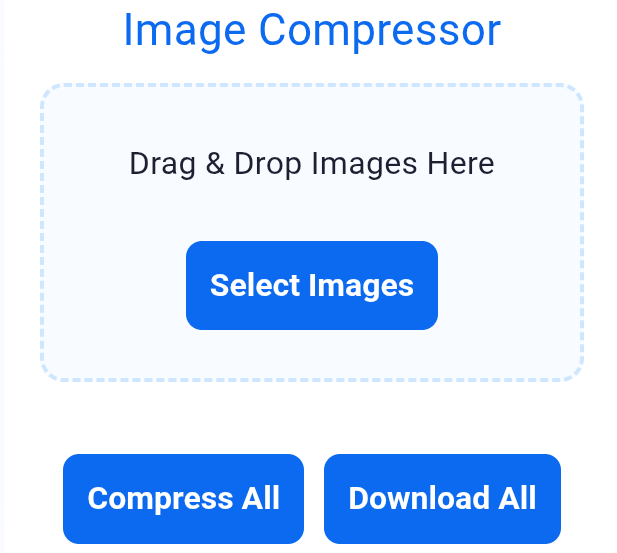
- Step 1: Drag and drop your images into the upload box, or click Select Images to choose from your device.
- Step 2: Each image will appear in a preview card showing the original file size.
- Step 3: Click Compress on an individual image or use the Compress All button.
- Step 4: The tool applies smart optimization that reduces the file size without losing quality.
- Step 5: You will see the new file size, how much space you saved, and a preview of the compressed image.
- Step 6: Click Download All to save your optimized images instantly.
Why This Compressor Is Better
- ✓ Works directly on your device — images never leave your browser.
- ✓ Smart compression adjusts quality based on the image size.
- ✓ Fast performance with no waiting or loading screens.
- ✓ Supports multiple image uploads at once.
- ✓ Clean, simple interface that anyone can use.
This tool is built for security, speed, and convenience — ideal for bloggers, business owners, designers, and anyone who wants lighter images without sacrificing clarity.
Related keywords: image compressor online, compress image free, reduce image file size, photo compressor tool, optimize images for web, compress jpg png, image size reducer
Discover More Tools
[stylish_pages]